Open Source · Apache-2.0
Kymo — experiment tracking that keeps up
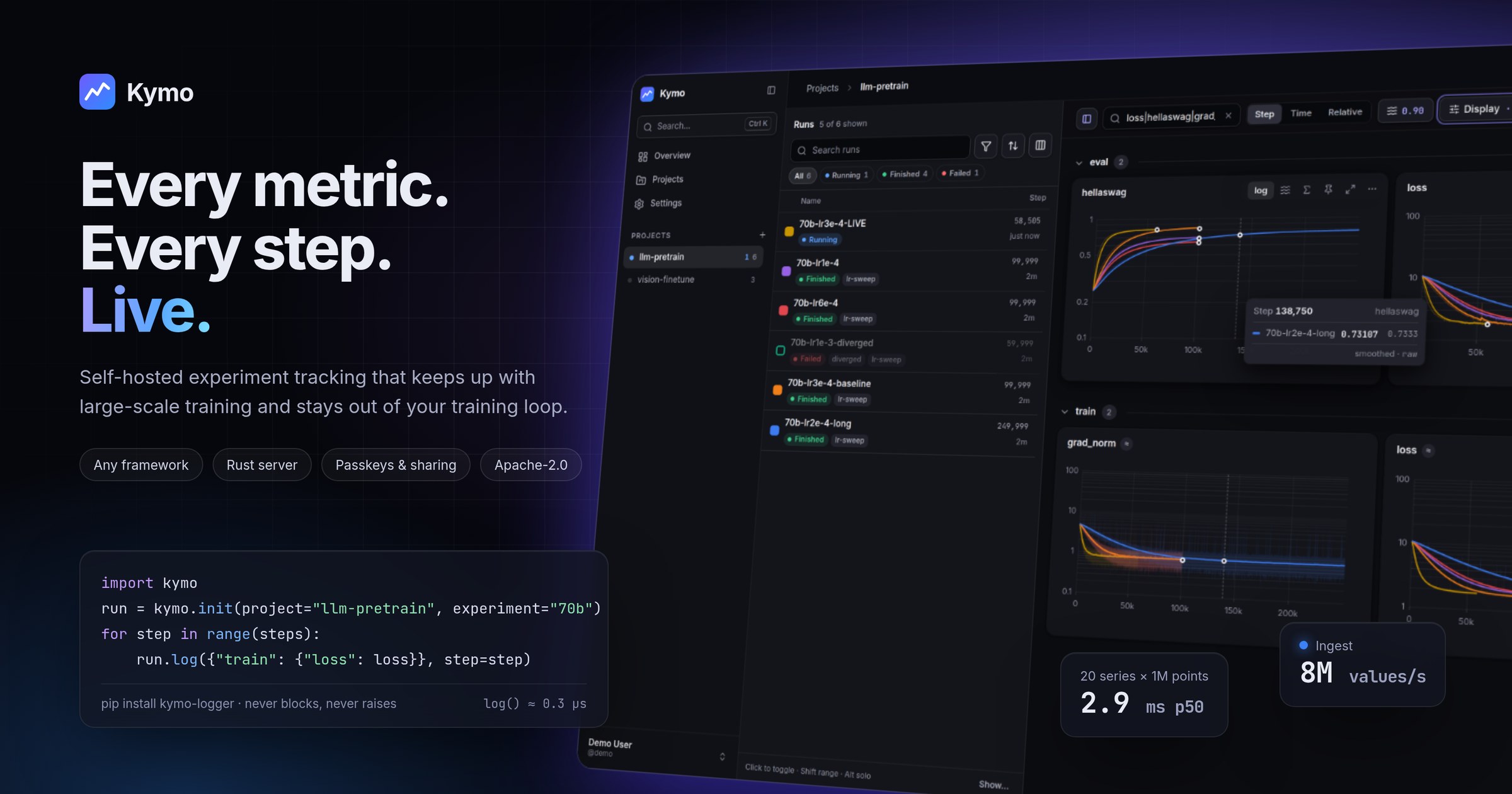
Kymo is a self-hosted experiment tracker for people who train big models. Log from any framework with a call that costs well under a microsecond, watch millions of points per curve render instantly, and share projects with your team, all from one Rust server that runs on a 1-core, 2 GB VPS.
- 0.3 µs per
log()call on the training thread - 8M values per second ingested by the server
- 2.9 ms to plot 20 curves of 1M points each
- 1 core, 2 GB RAM minimum to run the server
Why Kymo
Hosted trackers send your metrics to someone else’s cloud. The self-hosted ones were built for small experiments: they fall behind when a run logs hundreds of metrics at every step for weeks, and they often slow down the training loop while doing it.
Kymo is built the other way around. The logger never waits on the network. The server is designed for many modest CPU cores. And the browser only ever draws what fits on your screen. It is framework-neutral: PyTorch, JAX, TensorFlow, MLX, plain NumPy, or a shell script with curl all log the same way.
Charts that keep up
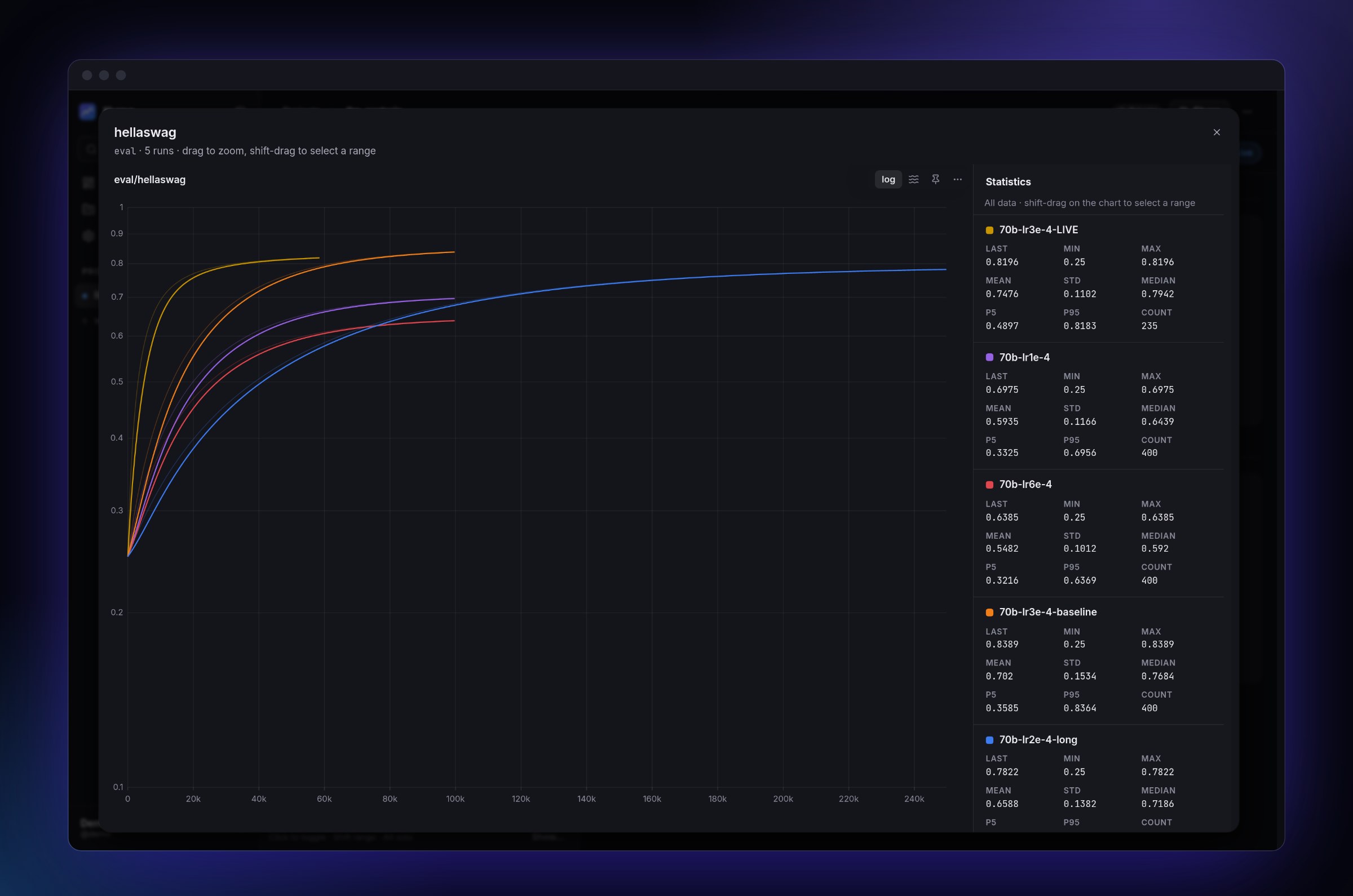
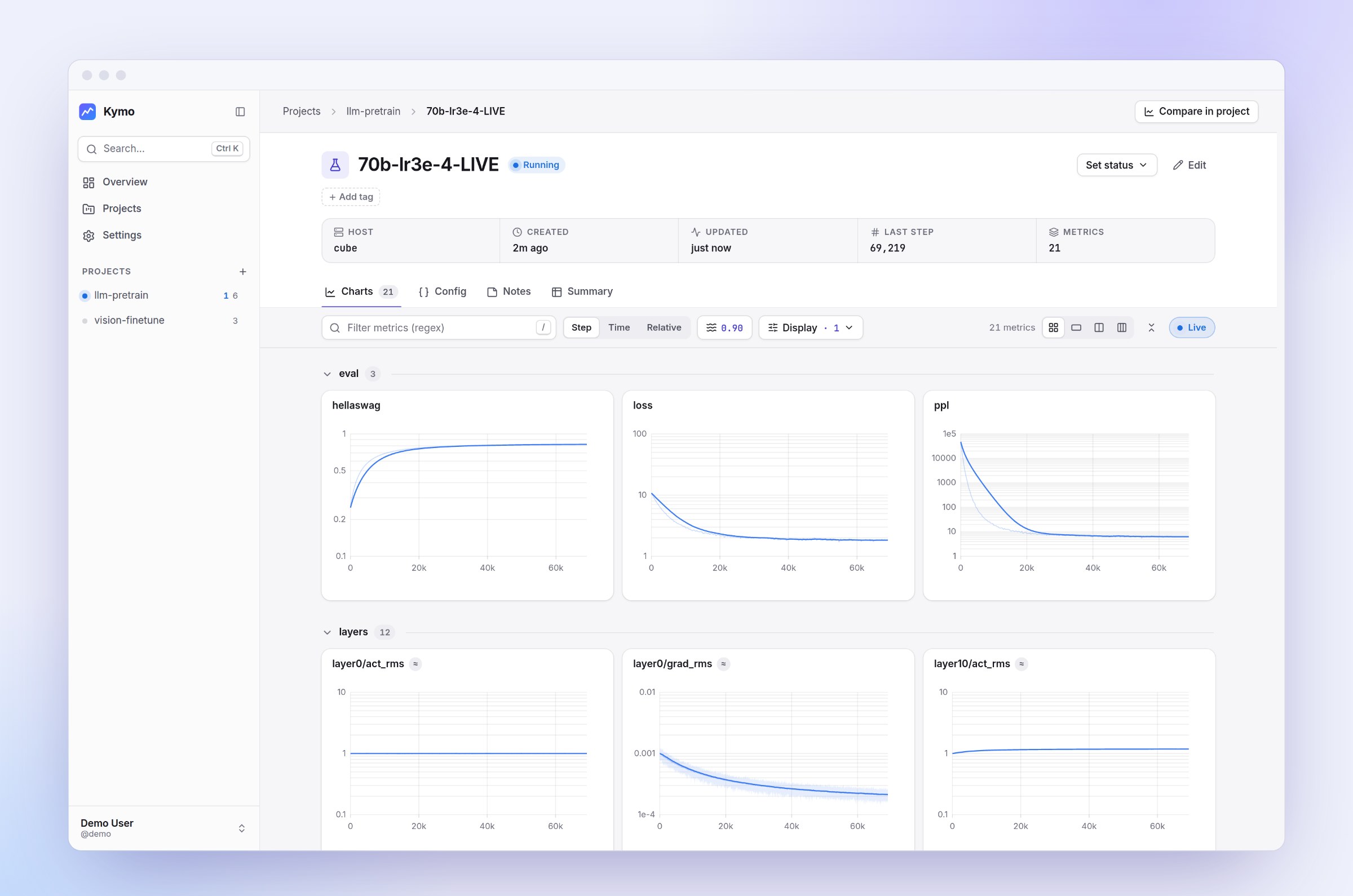
Every curve is downsampled on the server into min / max / mean buckets, so a run with a million steps arrives as about a thousand points. You still see each spike in the faint min–max band. Charts are drawn on canvas with uPlot and update live while a run is training.
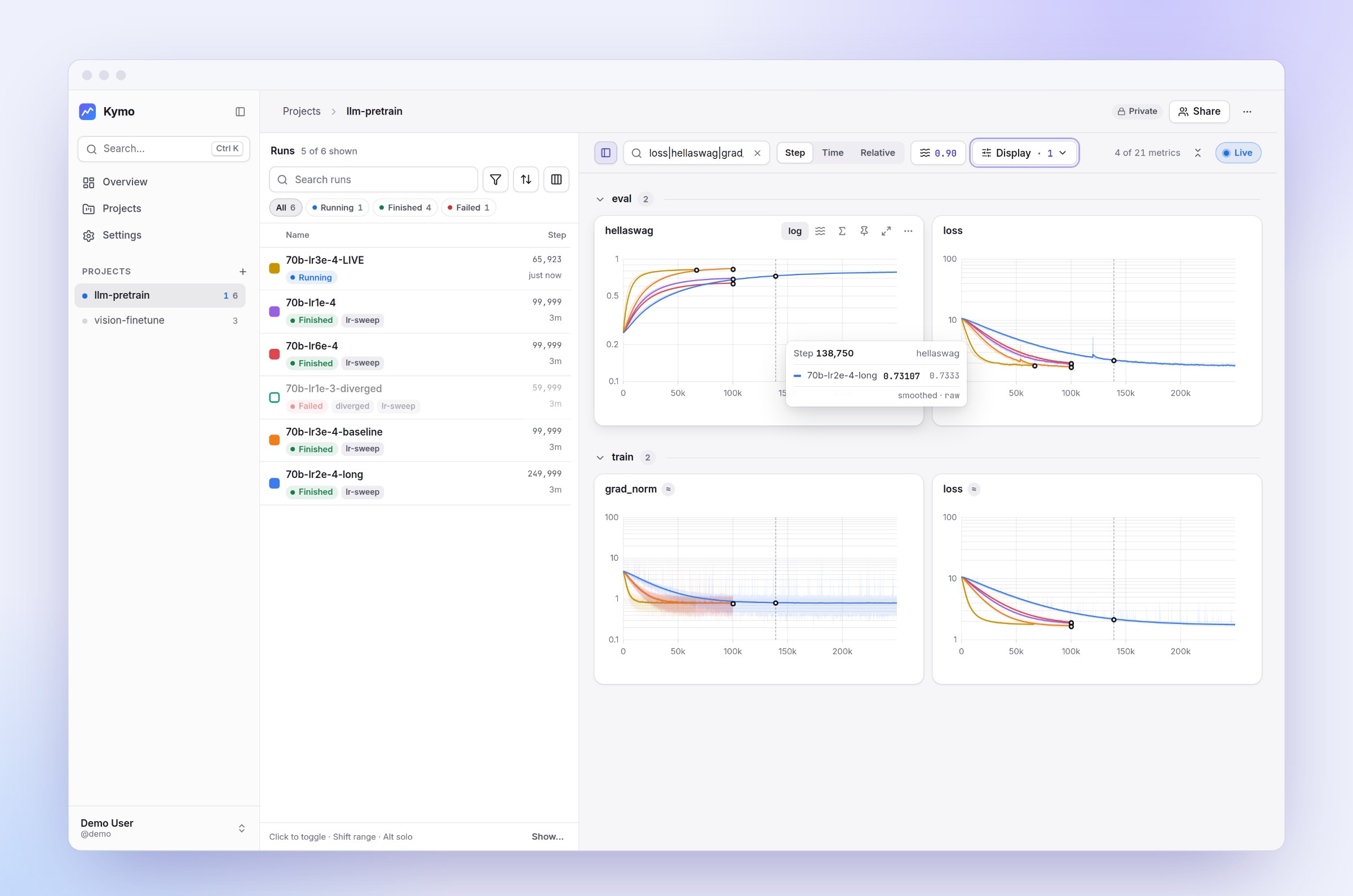
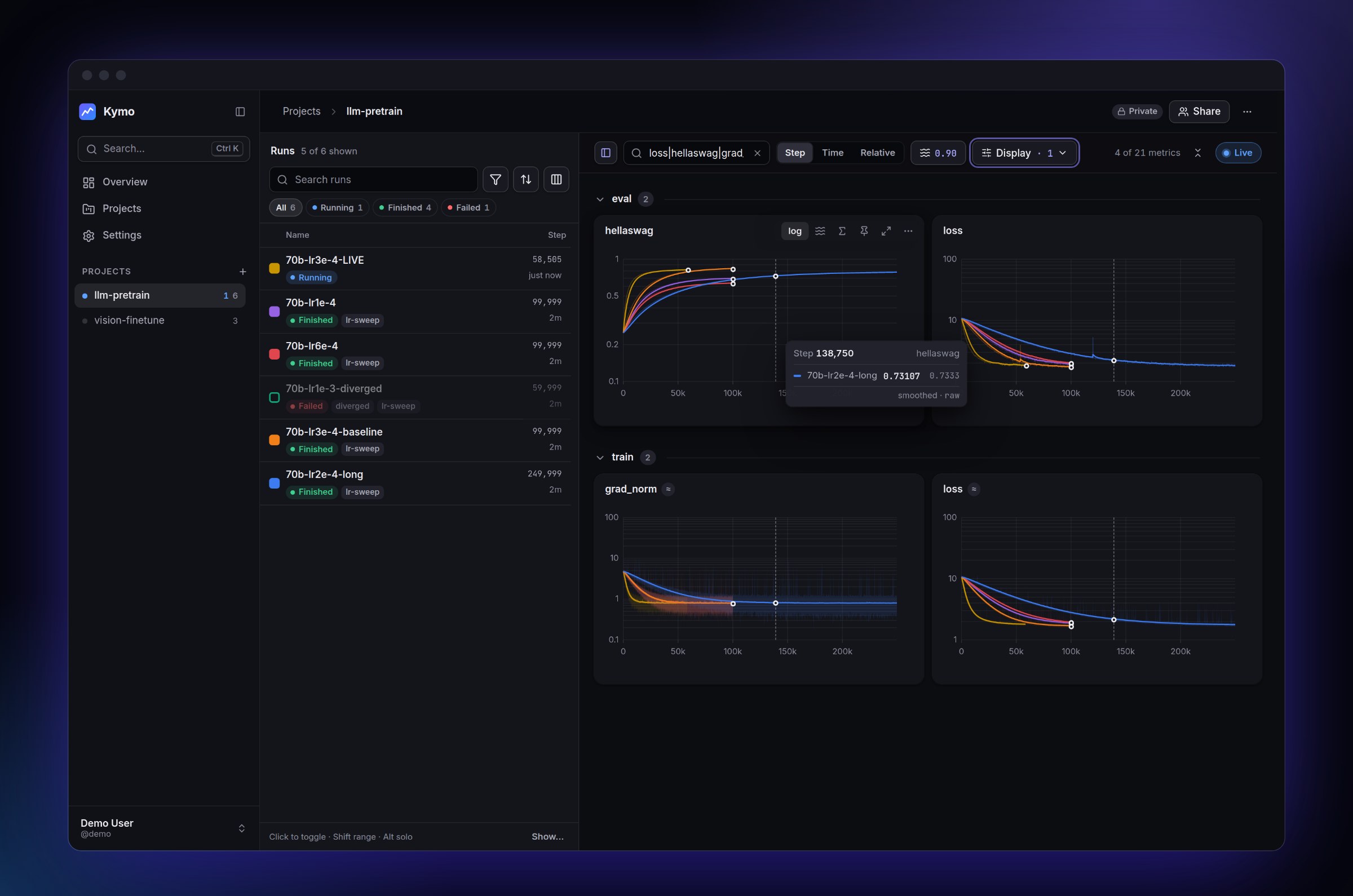
- Smoothing with a debiased EMA. The raw values stay visible as a faint line.
- Log scale, outlier clipping and Step / Time / Relative x-axes.
- Regex metric filter, grouped panels, and one-key layouts (1, 2 or 3 columns).
- Range statistics: shift-drag over a chart to get last, min, max, mean, std, median, p5 and p95 for every run.
- Compare across metrics: shift-click charts to overlay them in one view, with a Normalize switch for metrics on different scales.
- Export any chart as PNG, as CSV of what is plotted, or as full-resolution CSV per run.
Never block the training loop
The Python SDK, kymo-logger, uses only the standard library and supports Python 3.9 and newer. On your training thread, log() does one thing: it appends a tuple to a queue. Everything else happens on two background threads.
import kymo  # pip install kymo-logger

run = kymo.init(project="llm-pretrain", experiment="7b-lr3e-4", config={"lr": 3e-4})
for step in range(steps):
    run.log({"train": {"loss": loss}, "lr": lr}, step=step)  # ~0.3–1 µs, never blocks or raises
What happens behind log()
- A collector thread wakes every 50 ms. It flattens nested dicts into
train/loss, converts tensors through.item()or__float__, then batches and gzips the values. - A sender thread posts the batches over one keep-alive connection, retrying with backoff.
- If the server can’t be reached, batches spill to disk and are replayed later, or right away with
python -m kymo sync.
Made for real training jobs
- Works with any framework. The SDK never imports one.
- Honors
HTTP(S)_PROXY,ALL_PROXYandNO_PROXY. - Fork-safe: a forked child’s runs become no-ops until it calls
init()itself. - Pass
enabled=(rank == 0)to log from a single worker.
The SDK is optional. Anything that can POST JSON can log:
curl -H "Authorization: Bearer $KYMO_API_KEY" -H "Content-Type: application/json" \
  -d '{"project":"p","experiment":"e","metrics":{"train":{"loss":1.2}}}' $KYMO_HOST/api/v1/ingest
Built for large-scale runs
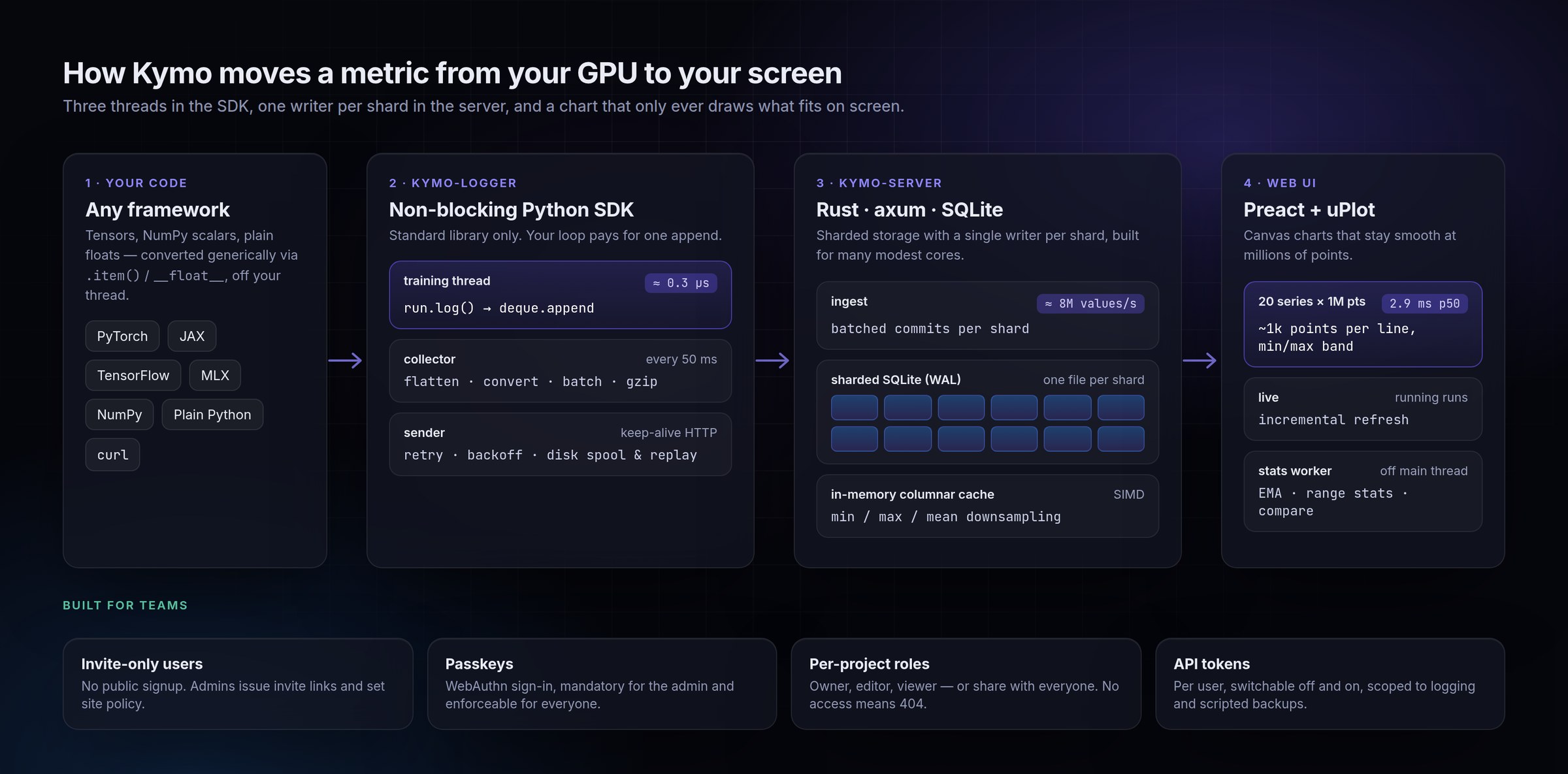
The server is written in Rust on axum. Metric points are spread over sharded SQLite files, one writer thread per shard, so ingest scales with cores rather than clock speed. That fits the many-core, low-clock CPUs of a typical VPS. Recent data lives in an in-memory columnar cache. Downsampling runs SIMD-friendly min / max / mean aggregation straight over those columns, so a plot query rarely touches the disk.
| Measured on a 12-thread desktop | |
|---|---|
| Server ingest | ~8M values/s (200M values, 20 runs × 200 keys) |
| Plot query, 20 series × 1M points, downsampled | p50 2.9 ms, p99 3.3 ms |
| Concurrent plot queries | 19k queries/s |
SDK log() with 10 keys | p50 0.2 µs, p99.9 ~5 µs |
| Worst training-thread stall caused by the SDK | ≈ Python’s 5 ms GIL switch interval |
Minimum requirements
The server needs 1 CPU core and 2 GB of RAM. On a 2 GB machine, set KYMO_CACHE_MB=512. The default cache budget is 2 GB, which leaves no room for anything else. More cores add storage shards and speed up ingest, and more RAM lets the cache hold more runs.
On a single core with KYMO_CACHE_MB=512, the server took in 8 demo runs (about 670k steps and 21 metrics each) in under 7 seconds. It then answered a 32-curve chart query in 4.3 ms (p50) while using about 730 MB of RAM. The Python SDK adds no requirements to your training machine beyond Python 3.9.
A tour of the UI
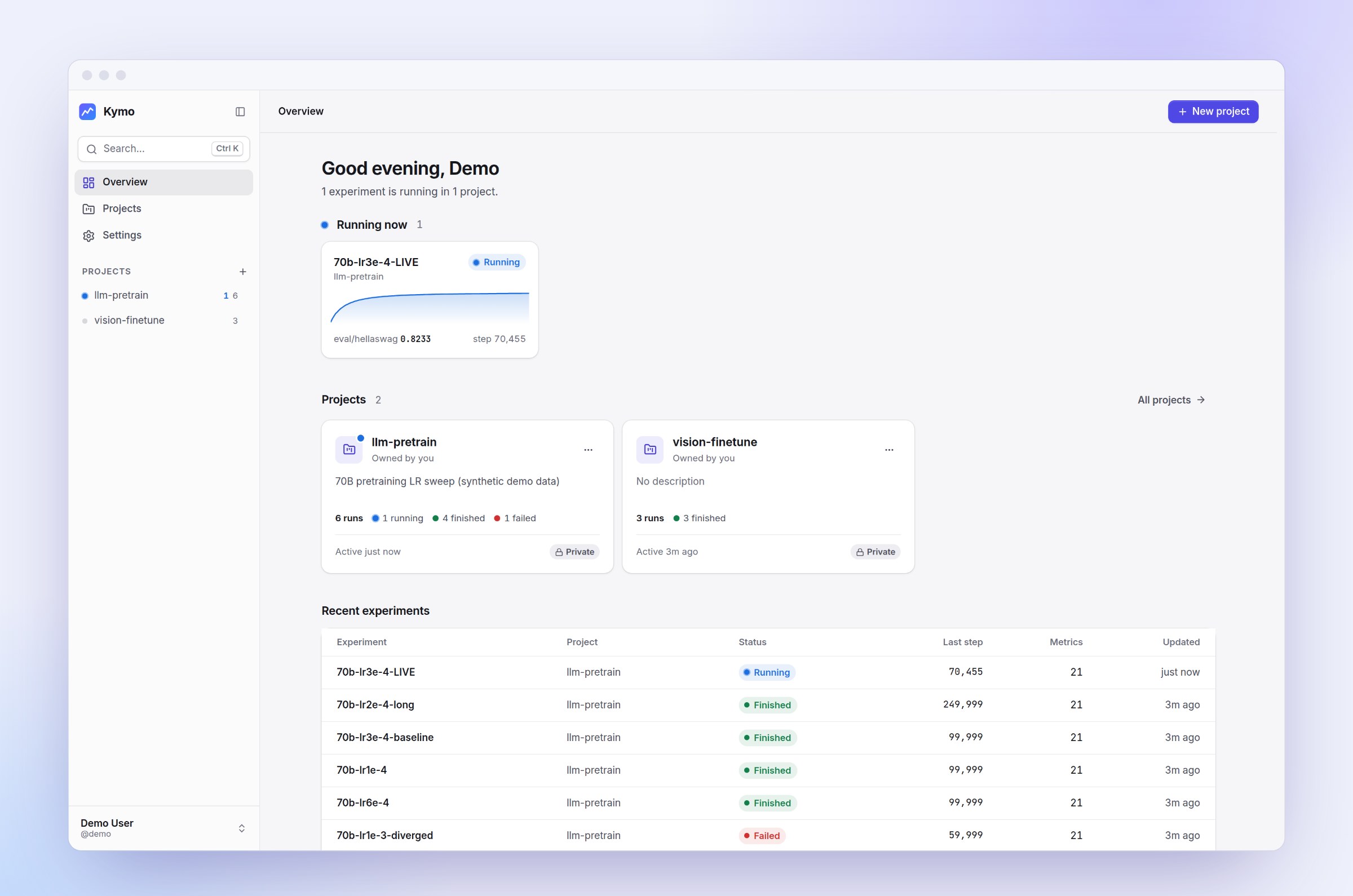
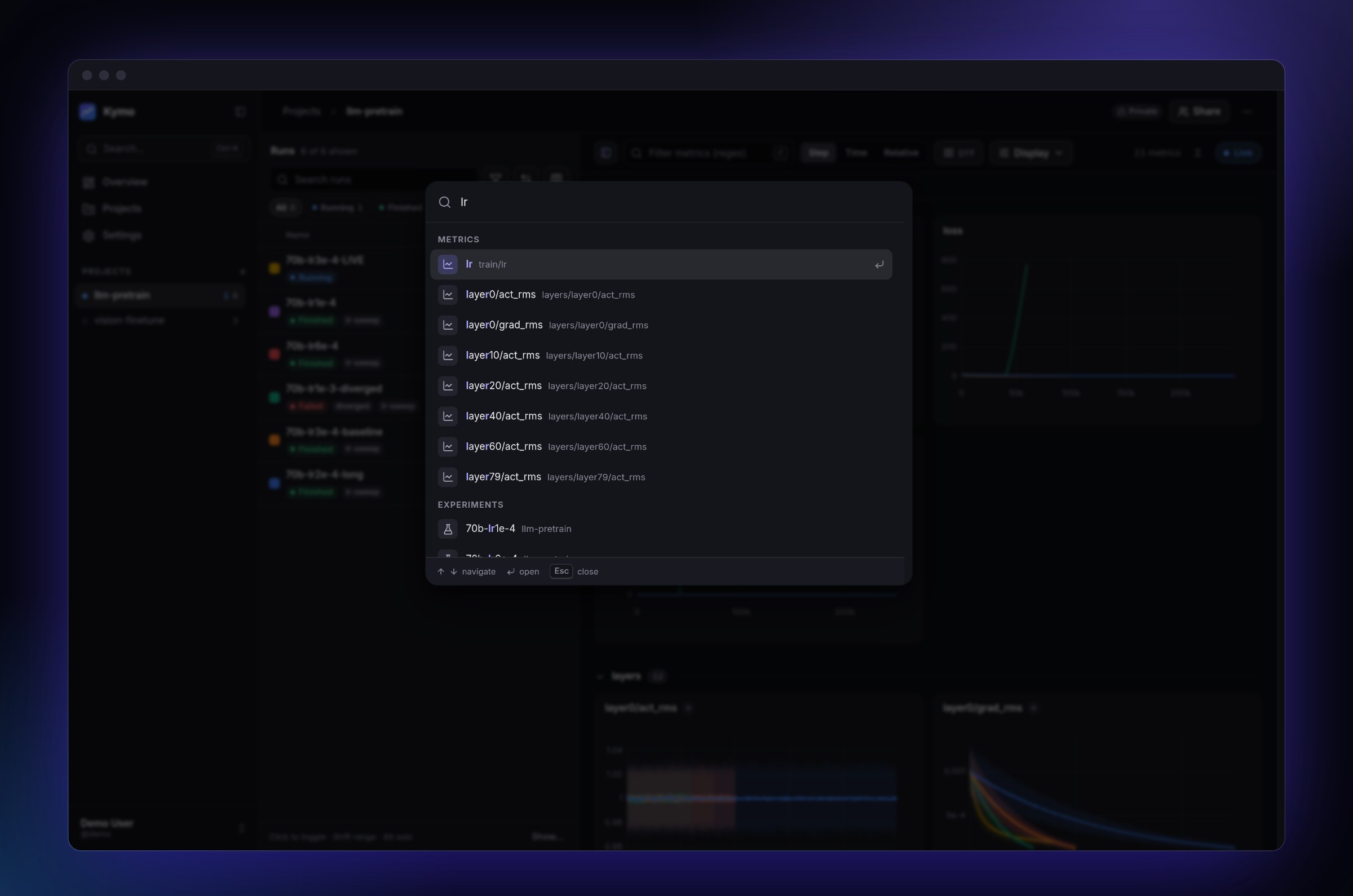
Multi-user by design
Invite-only accounts
There is no public signup. Admins create invite links and set site-wide policy, such as requiring passkeys.
Passkeys
Sign in with WebAuthn passkeys. They are mandatory for the admin and can be required for every user.
Per-project roles
Share a project with specific users as viewer or editor, or with everyone on the server. Without access, a project returns 404, so its existence doesn’t leak.
API tokens
Each user creates tokens for logging and scripted backups. A token can be switched off and on again without deleting it.
Your data stays yours
Backup saves each project as one .kymo.tar.gz file. Restore uploads it as a new project. Inside is plain JSON and CSV, with a README.txt that describes the format, so your data stays readable without Kymo. Backups can also be scripted with an API token:
curl -fOJ -H "Authorization: Bearer $KYMO_API_KEY" $KYMO_HOST/api/v1/projects/<id>/backup
Get started
Build the web UI and the server, then start it:
cd web && npm install && npm run build && cd ..
cd server && cargo build --release && cd ..
KYMO_DATA_DIR=./data KYMO_WEB_DIR=./web/dist KYMO_ORIGIN=http://localhost:8080 ./server/target/release/kymo-server
On first start, the server prints a setup link. Open it, create the admin account and register a passkey. Then create an API token under Settings → API tokens and install the logger in your training environment:
pip install kymo-logger
export KYMO_HOST=http://localhost:8080 KYMO_API_KEY=kymo_...
On a 1-core / 2 GB server, add KYMO_CACHE_MB=512 to the environment. For a real deployment, put Kymo behind HTTPS and set KYMO_RP_ID and KYMO_ORIGIN to your domain. Passkeys only work on localhost or HTTPS.
Kymo is open source under Apache-2.0
Server, web UI and Python SDK all live in one repository. Issues and pull requests are welcome.